Capstone - Week Two
Week Update
The first focus of my project this week was completing my project design document.
Second, was around setting up Isaac Sim on my system. As my system OS is CachyOS, and Isaac sim is only designed for running natively on Windows and Ubuntu, I have opted to download Isaac sim into a docker. The docker that I am using is the latest Isaac Sim 6.1 docker that is available from Nvidia. While this means that the application is not downloaded to run natively on my system, from what I can find it does not appear that this should affect the speed of the simulation in a way that would be detremental to the simulation or training process.
I have also began exploring a variety of tutorials that are available for Isaac Sim through Nvidia. Over the next few weeks I will be investing my time in to doing as many tutorials as possible to get an idea of how to use the software as well as get a better idea of the steps that I will need to take to complete my project.
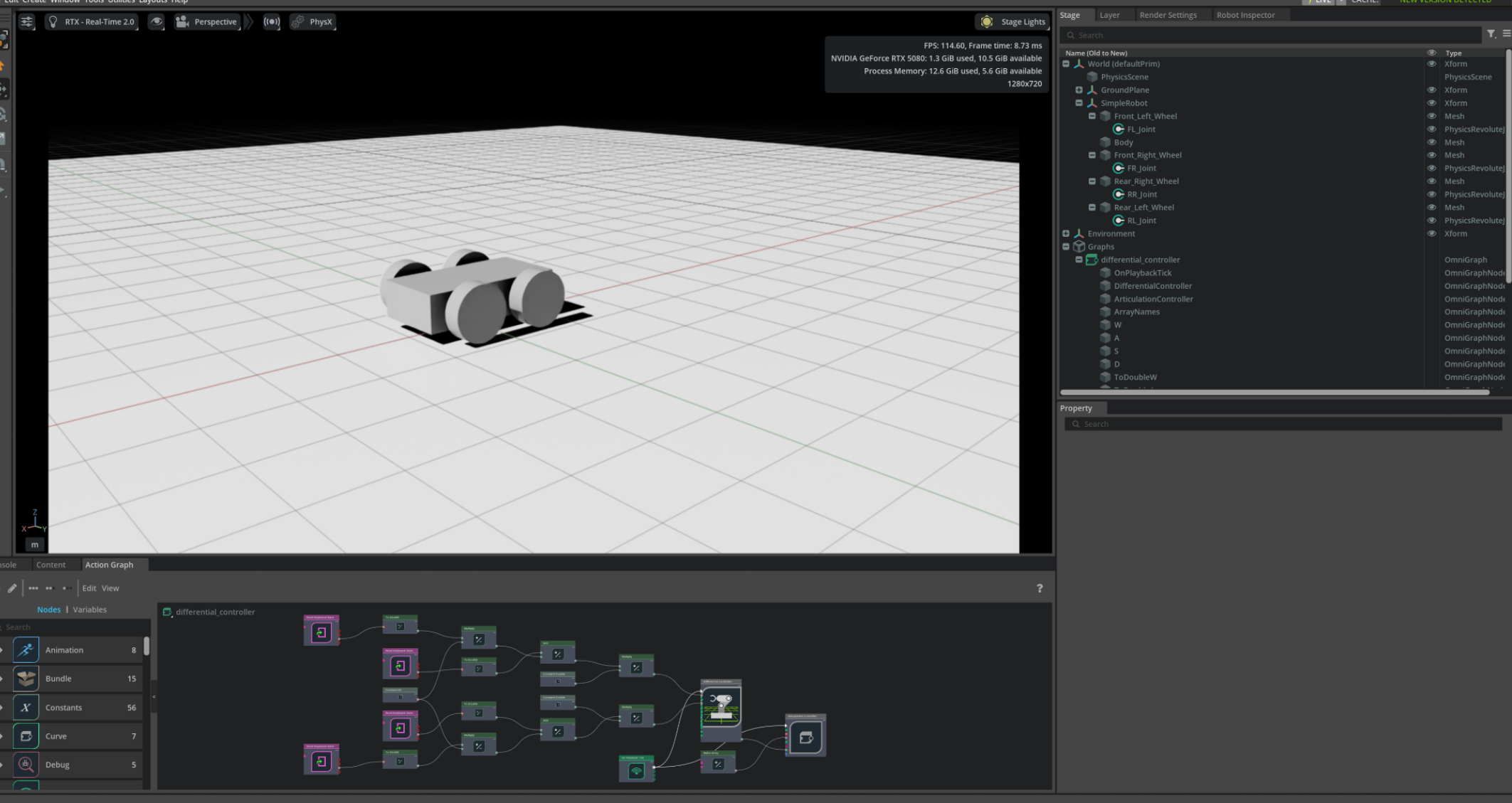
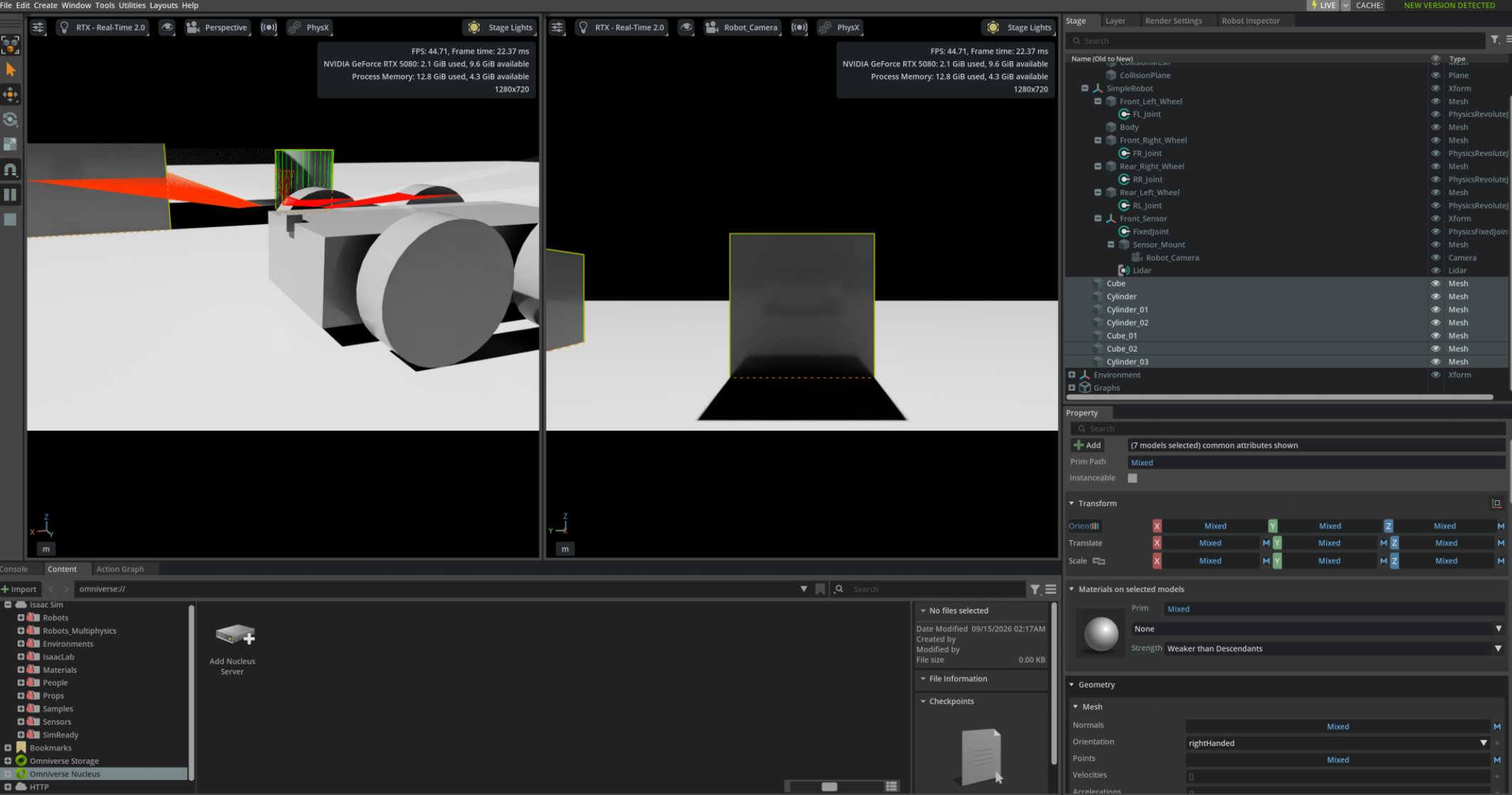
So far this week I have began working through Nvidia’s Tutorial “Building your First Robot in Isaac Sim”. I have completed three of the modules:
- Part 1: Building a Simple Robot
- Part 2: Controlling the Robot
- Part 3: Adding Sensors
Screenshots
Below are some screenshots from working through these tutorials:
Approx. Working hours
- 7 hours